
Print Server
Installing the Orders Now Print Server is quick and easy. Simply follow the following steps.
1. Download the Installer

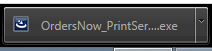
2. Install the Print Server
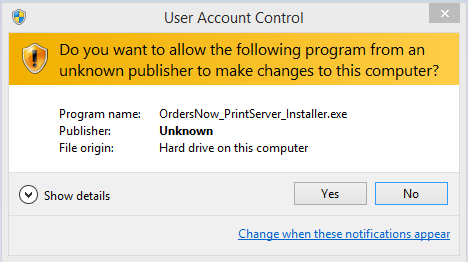
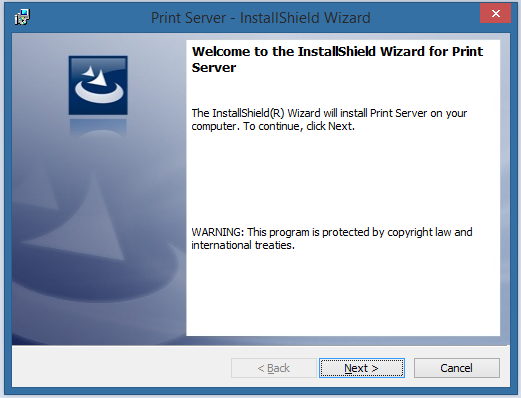
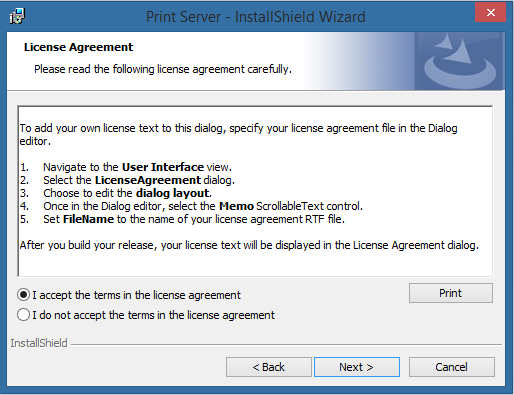
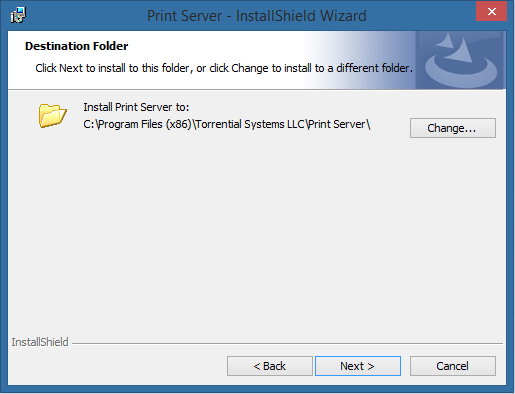
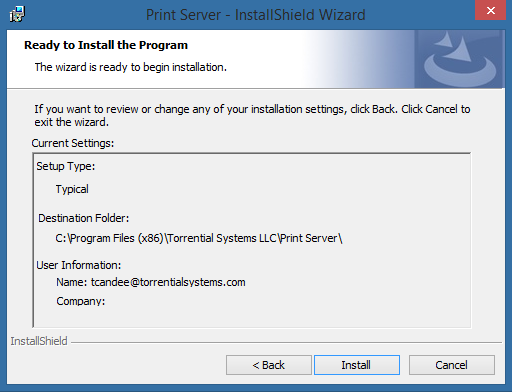
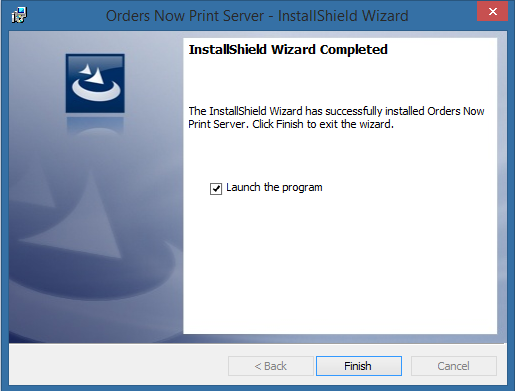
Please follow the screenshots to install the print server.

3. Run the Print Server
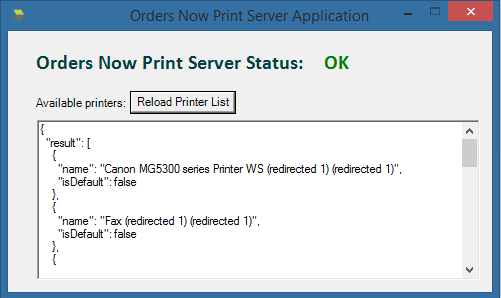
After the print server has been installed, it will open a new window which will run the print server on your machine.
Are you using Firefox?
5. Add Firefox Exception
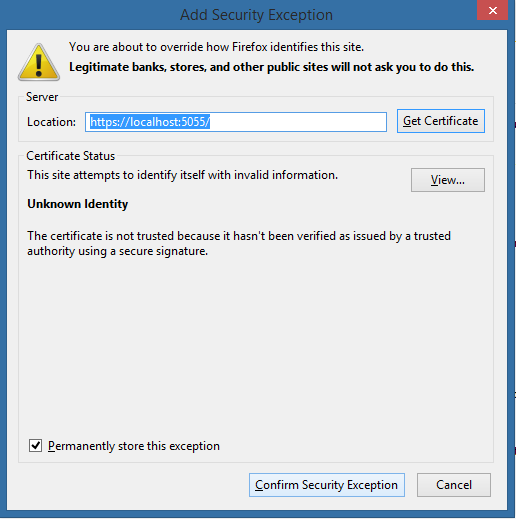
Because our SSL certificate is not recognized on Firefox, you will have to add an exception to your Firefox web browser to enable printing labels through our print server. To do this, open Firefox and navigate to your Orders Now system. Then, navigate to the Print Test Label page.
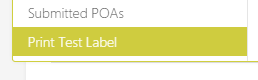
When you click the Print Test Label button, a popup window should appear.
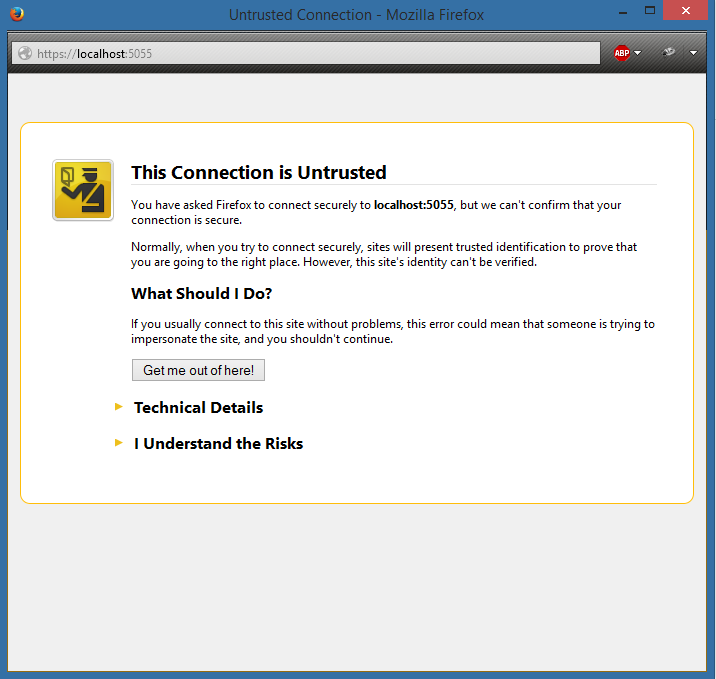
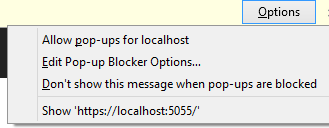
If the popup window doesn't appear, please allow popups for this website.
Once you see the popup window, please add this SSL certificate as an exception in Firefox.
6. Print Test Label
Now you can print your test label and make sure that label was printed correctly from your thermal printer.